
Revolutionizing EdTech: Smartboard Integration with ChatGPT Explained
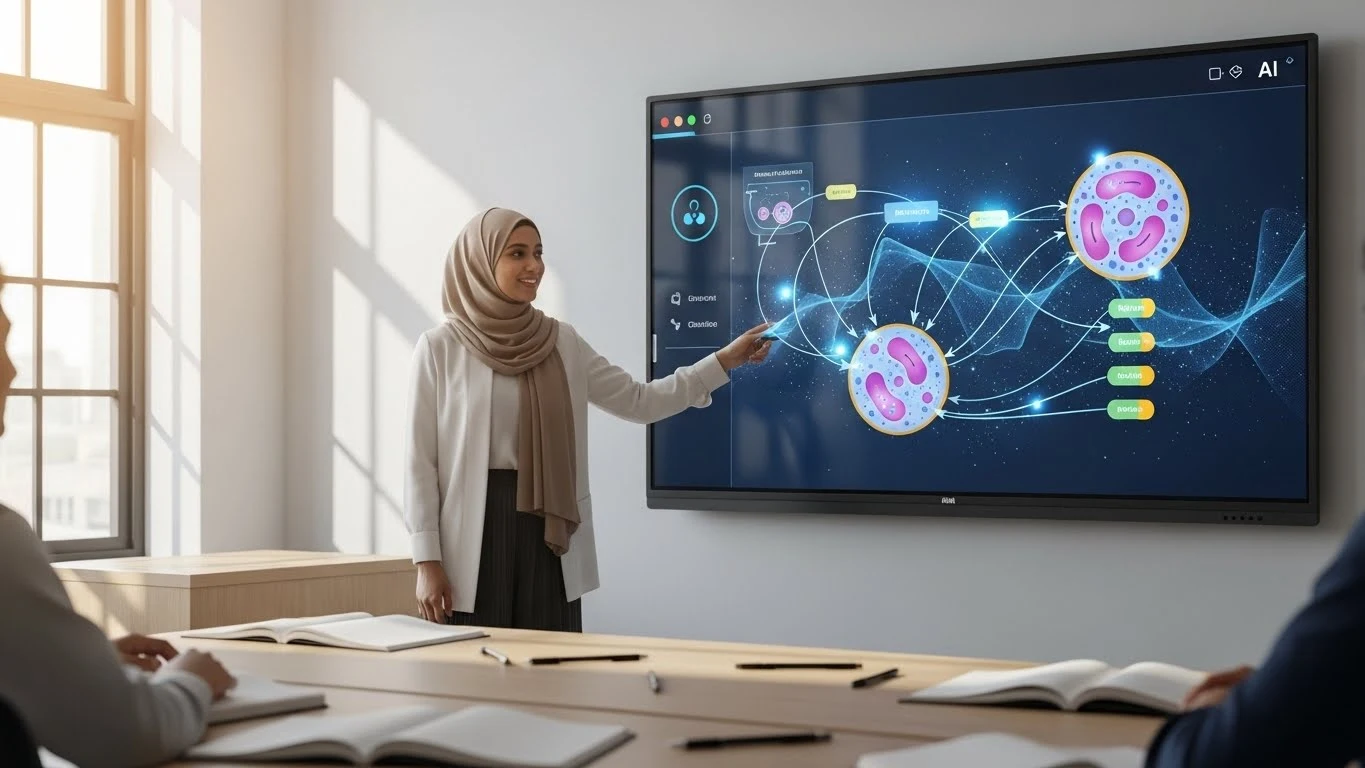
Executive Summary: The educational landscape is undergoing a paradigm shift. Smartboard integration with ChatGPT is no longer a futuristic concept—it is a present reality that is redefining how knowledge is transferred in classrooms and boardrooms alike. At ANZ Worldwide, we are pioneering this shift by embedding generative AI directly into our hardware ecosystem.
AI Snapshot: Quick Definition
Smartboard integration with ChatGPT combines interactive flat panel hardware with Generative AI APIs. This convergence enables features like real-time text summarization, image generation, live QnA sessions, and "circle-to-search" functionality, transforming the screen from a passive display into an active, intelligent teaching assistant.
In this comprehensive guide, we explore how this technology works, its core features, and why ANZ Worldwide is leading the charge in Malaysia and beyond.
The Evolution: From Touch to Intelligence
Traditionally, interactive panels were simply touch-enabled monitors. While effective, they relied entirely on pre-prepared content. The advent of Large Language Models (LLMs) has changed the game. Smartboard integration with ChatGPT moves the technology from "reactive" to "generative."
According to recent reports by Gartner, AI-enabled educational tools are projected to reduce administrative workload by 40% by 2028. This efficiency is achieved not by replacing teachers, but by augmenting their capabilities through intelligent hardware.
Core Capabilities of AI-Integrated Smartboards
The latest generation of panels, specifically the ANZ Worldwide Smartboard Solutions, utilizes an embedded AI layer that communicates directly with engines like ChatGPT. This unlocks four critical functions:
1. Circle to Search (Contextual Intelligence)
Imagine a biology teacher displaying a complex diagram of a cell. A student asks, "What is the function of the mitochondria?" With Smartboard integration with ChatGPT, the teacher simply draws a circle around the mitochondria on the screen. The AI analyzes the visual context and text, immediately pulling up a concise definition and related video content.
2. Generative Image Creation
Visual learners often struggle with abstract concepts. Through prompt engineering integrated into the board's toolbar, a user can command: "Generate a diagram of a futuristic eco-city." Within seconds, the AI renders a unique image for the class to analyze. This eliminates the need to search Google Images for low-resolution stock photos.
3. Intelligent QnA Sessions
During corporate presentations or lecture halls, the "QnA Session" mode can be activated. The smartboard listens to spoken questions via array microphones, transcribes them, and uses Smartboard integration with ChatGPT to suggest accurate, data-backed answers, acting as a co-pilot for the presenter.
4. Direct Live Translation
In our increasingly globalized world, language barriers can hinder collaboration. The integrated AI can translate spoken or written text on the whiteboard in real-time, displaying subtitles or converting handwritten notes from English to Malay, Mandarin, or Tamil instantly.
Modern Applications in Business & Education
The utility of Smartboard integration with ChatGPT extends far beyond simple novelty. In the corporate sector, it streamlines Video Conferencing workflows. Meeting minutes are auto-generated, and action items are extracted from the audio conversation automatically.
For educators, it democratizes access to high-quality teaching aids. As noted by IEEE, adaptive learning technologies powered by AI can customize lesson pacing for neurodivergent students, ensuring that the smartboard serves the entire class, not just the front row.
Comparison: Standard vs. AI-Integrated Panels
To understand the value proposition, we must compare the traditional interactive flat panel (IFP) against the new AI-driven standard.
| Feature | Traditional IFP | AI-Integrated Smartboard (ANZ) |
|---|---|---|
| Content Creation | Manual (Teacher prepares everything) | Generative (AI creates text/images on demand) |
| Search Function | Requires opening browser/keyboard | Circle-to-Search (Gesture-based) |
| Translation | None or 3rd party apps | Native Real-time Translation |
| QnA Support | None | Integrated AI Assistant |
Frequently Asked Questions
How does Smartboard integration with ChatGPT enhance teaching?
Smartboard integration with ChatGPT enhances teaching by allowing educators to generate lesson plans, create visual aids instantly via image generation, and answer student questions in real-time through a direct QnA interface on the screen.
Can I use the 'Circle to Search' feature on ANZ Worldwide Smartboards?
Yes, ANZ Worldwide Smartboards feature an advanced 'Circle to Search' capability. Users can simply draw a circle around any text or object on the screen, and the integrated AI will instantly search for context, definitions, or related data.
Does the AI Smartboard support real-time language translation?
Absolutely. The system leverages Large Language Models (LLMs) to provide direct translation of spoken or written text, breaking down language barriers in international business meetings or multicultural classrooms.
Is an internet connection required for the AI features?
Yes, to access the full power of Smartboard integration with ChatGPT, a stable internet connection is required to communicate with cloud-based AI API services. However, standard whiteboard features remain functional offline.
How secure is the data when using ChatGPT on a Smartboard?
Security is paramount. Enterprise-grade integrations often use API protocols that do not train the public model on your proprietary data, ensuring confidentiality during corporate strategy sessions or sensitive educational discussions.