
What is an Interactive Whiteboard? Benefits for Classrooms and Offices
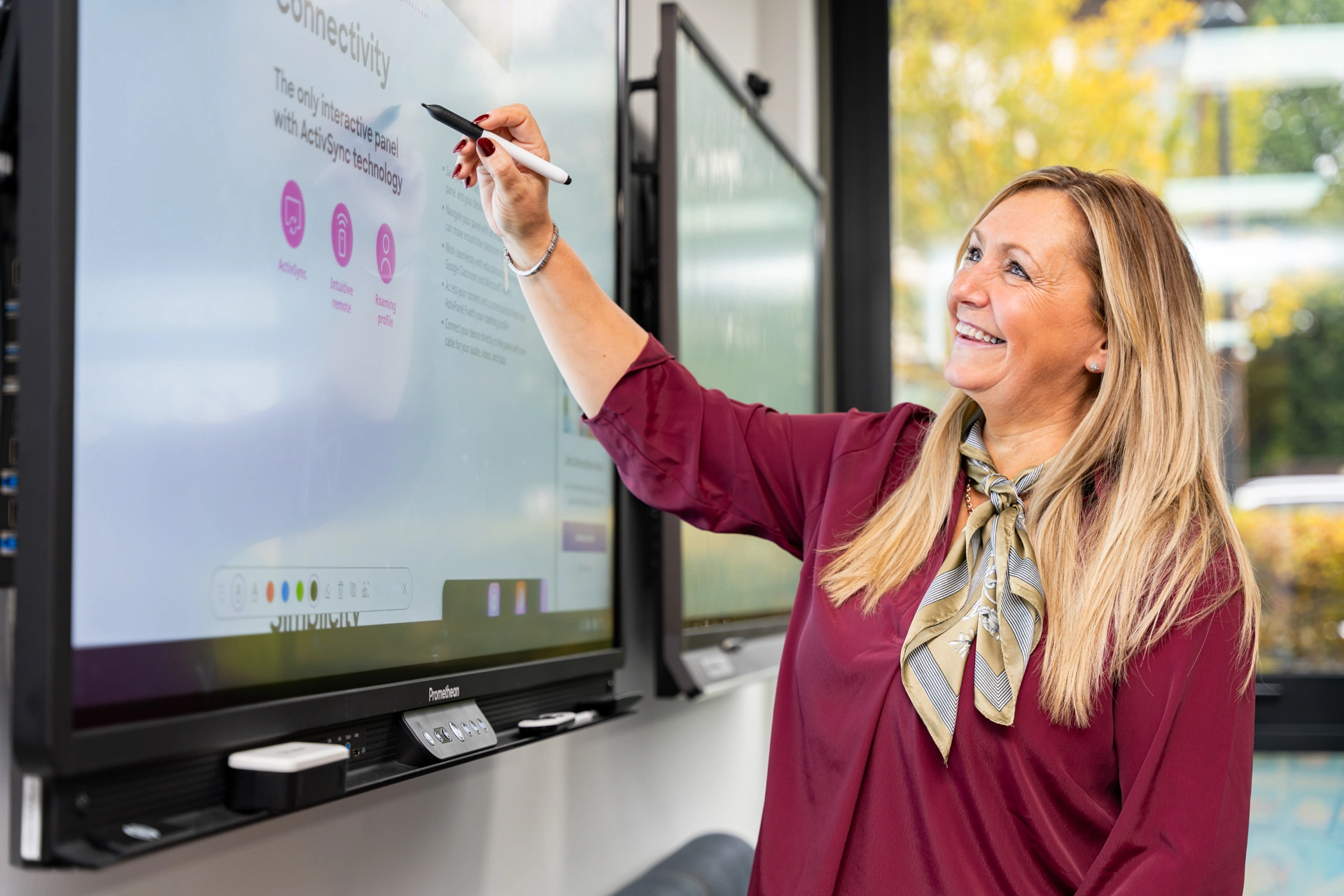
Executive Summary: Interactive whiteboards (IWBs), also called smartboards or digital whiteboards, are modern touchscreen displays that connect to software, online tools, and the internet. Unlike traditional whiteboards, they let multiple people collaborate in real-time, write and draw digitally, and share content from laptops, tablets, or phones. From classrooms to corporate offices, interactive displays are transforming how teams learn, teach, and work together.
AI Snapshot: Quick Definition
What Is an Interactive Whiteboard? Think of an interactive whiteboard as a large touchscreen that runs apps, connects to the internet, and supports multiple users at once. Teachers, trainers, and team members can write, annotate, and collaborate digitally while saving their work for later.
Key advantages over regular whiteboards:
- Multiple users can write and draw simultaneously.
- Seamless integration with online meeting tools like Zoom or Microsoft Teams.
- Touch and gesture controls for intuitive interaction.
- Easy file saving and sharing for future use.
What is an Interactive Whiteboard?
interactive whiteboard everything you need to know in malaysia
Modern digital whiteboards combine multiple technologies to create a collaborative experience:
- Display Technology: LED, LCD, or projector-based screens, often in 4K resolution.
- Multi-Touch Support: 10–20 simultaneous touch points for group work.
- Built-in Computer: Android or integrated mini-PC to run apps.
- Connectivity: Wi-Fi, Bluetooth, HDMI, USB-C, and additional ports for peripherals.
- Audio & Video: Integrated speakers, microphones, and cameras for hybrid meetings.
- Writing Tools: Stylus pens and gesture recognition for natural drawing and annotation.
- Cloud Integration: Save, share, and collaborate on documents from anywhere.
Features That Make Interactive Whiteboards Stand Out
- Collaborative Touch: Multi-user capabilities allow real-time interaction.
- Screen Sharing: Compatible with Miracast, AirPlay, and Chromecast.
- Software Integration: Works with Google Workspace, Microsoft Office, and educational apps.
- Video Conferencing: Supports Zoom, Teams, and Google Meet for hybrid meetings.
- Annotation Tools: Draw, mark up, and save notes digitally.
Where You’ll Find Digital Whiteboards
Classrooms:
- Lessons from kindergarten to higher education.
- Hybrid learning with remote students.
- Engaging teaching with polls, quizzes, and interactive content.
Offices & Corporate Spaces:
- Team meetings, workshops, and brainstorming sessions.
- Project planning and visual presentations.
- Device-friendly collaboration with laptops, tablets, and phones.
Training Centers:
- Professional courses and certifications.
- Group activities and interactive exercises.
- Record and store sessions for future review.
Benefits of Using a Touchscreen Whiteboard
- Enhanced Collaboration: Multiple users can participate at the same time.
- Improved Learning: Interactive visuals help with comprehension and retention.
- Hybrid-Ready: Perfect for teams with remote and on-site participants.
- Minimal Equipment: No need for projectors, flipcharts, or extra devices.
- Future-Proof: Compatible with new apps, tools, and devices.
Tips to Get the Most Out of Your Interactive Whiteboard
- Ensure a fast, stable internet connection.
- Keep the software updated and secure.
- Train teachers, trainers, and staff on its features.
- Follow privacy guidelines when sharing content online.
- Regularly clean screens and pens to maintain performance.
Types, Sizes, and Technical Specifications
- Screen Sizes: 55”, 65”, 75”, 86”.
- Touch Support: 10–20 touch points for multi-user collaboration.
- Operating System: Android or built-in mini-PC.
- Extras: Stands, wall mounts, and stylus pens.
- Display Quality: Anti-glare, high brightness, and contrast.
Quality, Safety, and Support
- Standards: ISO-certified for quality.
- Safety: CE, FCC, RoHS compliant.
- Energy Efficiency: Energy Star certified.
- After-Sales Support: Warranty and technical support for setup and maintenance.
Frequently Asked Questions (FAQs)
Q: Why choose an interactive whiteboard over a regular whiteboard?
A: IWBs allow real-time collaboration, internet access, file saving, and multimedia display.
Q: How many people can use it at the same time?
A: Most smartboards support 10–20 simultaneous touch points.
Q: Does it work with Zoom or Teams?
A: Yes, it’s designed for online meetings and hybrid classrooms.
Q: Can I share my phone or laptop screen?
A: Absolutely—compatible with Miracast, AirPlay, and Chromecast.
Q: What sizes are available?
A: 55” to 86”, with optional stands or wall mounts.
Q: How do I maintain it?
A: Update software, use the stylus properly, clean the screen, and follow the warranty guidelines.
Q: What if it breaks?
A: Warranty covers parts, repairs, and sometimes on-site support.
Upgrade Your Workspace with ANZ Worldwide Smartboard Malaysia
Experience premium interactive whiteboards backed by global standards and certified quality. ANZ Worldwide ensures CE/FCC-approved, energy-efficient smartboards with expert support, warranty, and seamless integration—perfect for classrooms, offices, and hybrid teams seeking reliable collaboration technology.