
ANZ Worldwide | Touch Screen Panel Solutions Malaysia 2026
Malaysia 2026 · Interactive Display Solutions

ANZ Touch Screen
Panel Solutions

Screen sizes 21.5" · 32" · 43" · 50" · 55" · 65"

Whether you're running a bustling retail store in KL, a smart hospital in Penang, or upgrading your office in Johor Bahru — the right touch screen panel transforms how you work and connect with people. Reliable, responsive, and rugged — built for Malaysia's tropical climate and the demands of 24/7 commercial use.
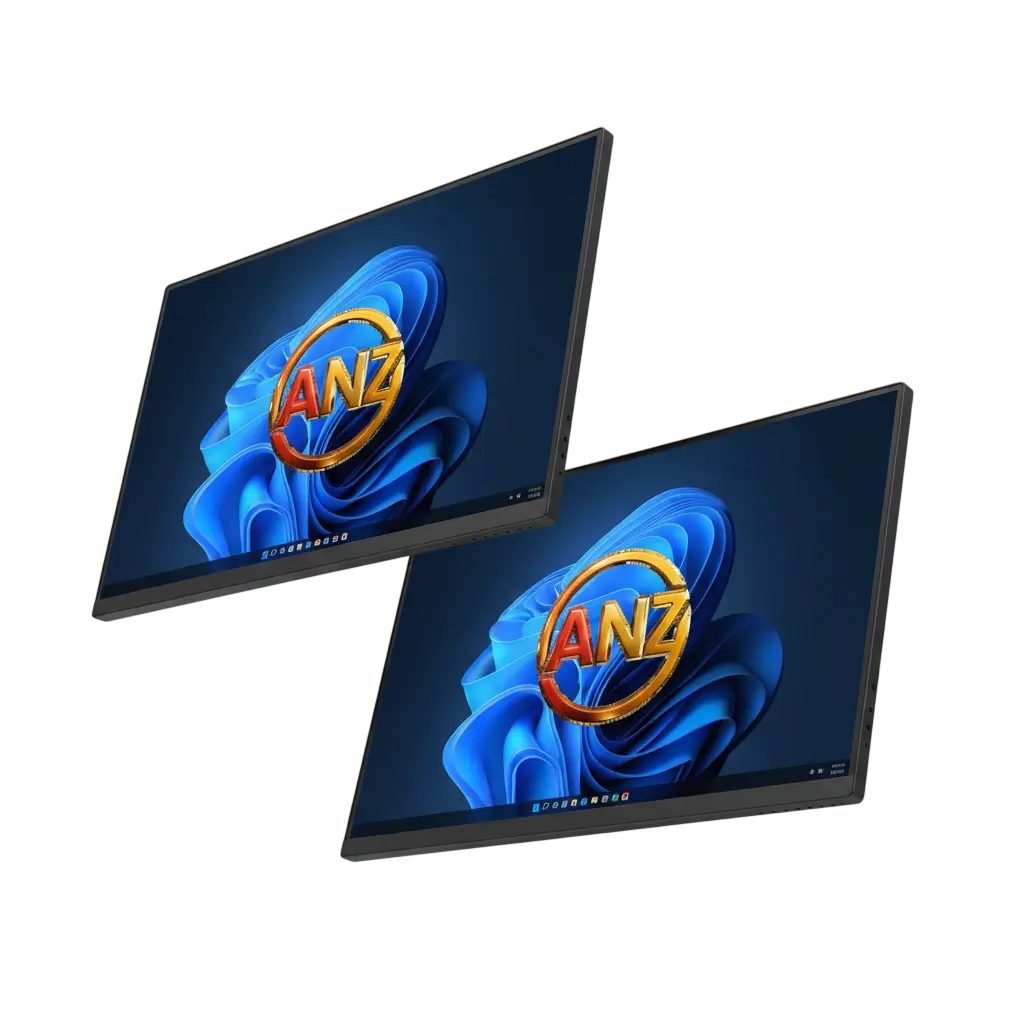
ANZ Touch Screen Panel
21.5"
Panel Size
FHD
1920×1080 Resolution
178°
Viewing Angle
2ms
Touch Response
Why ANZ

Why ANZ Touch Screen Panels
Lead the Malaysian Market

It's not just about having a screen on the wall. It's about a reliable, responsive, and rugged tool that actually makes your life easier — built for Malaysia's heat, humidity, and 24/7 commercial demands.

IPS Technology, Wide Viewing

The 21.5-inch TFT LCD uses IPS technology — vibrant colours and a 178° viewing angle. Sharp and readable even from the side, with no colour shift or fading.

Your Choice of Touch Tech

Available in both Infrared (IR) and Capacitive (PCAP) — choose the technology that matches your actual environment and use case.

4mm Tempered Glass

Four to seven times stronger than ordinary glass. Scratch-resistant, impact-proof, easy to sanitise — handles millions of touches in hospitals, retail, and industrial settings.

Dual OS Flexibility

Run on Android 12 for cloud apps and digital signage, or Windows 11 for enterprise software and heavy data processing — same hardware, your choice.

Metal Build + VESA Mount

SPCC metal chassis for better heat dissipation and structural rigidity. Standard VESA wall mount or hanging installation — keeps your space clean and professional.

1-Year Warranty + ISO9001

Backed by a 1-year warranty and ISO9001:2015 certified manufacturing — consistent, controlled quality in every unit shipped to Malaysia.

Technical Specs

Specifications That
Define Performance

Built with high-performance components that ensure a smooth, lag-free experience every single time — for retail counters, hospital lobbies, and corporate boardrooms alike.
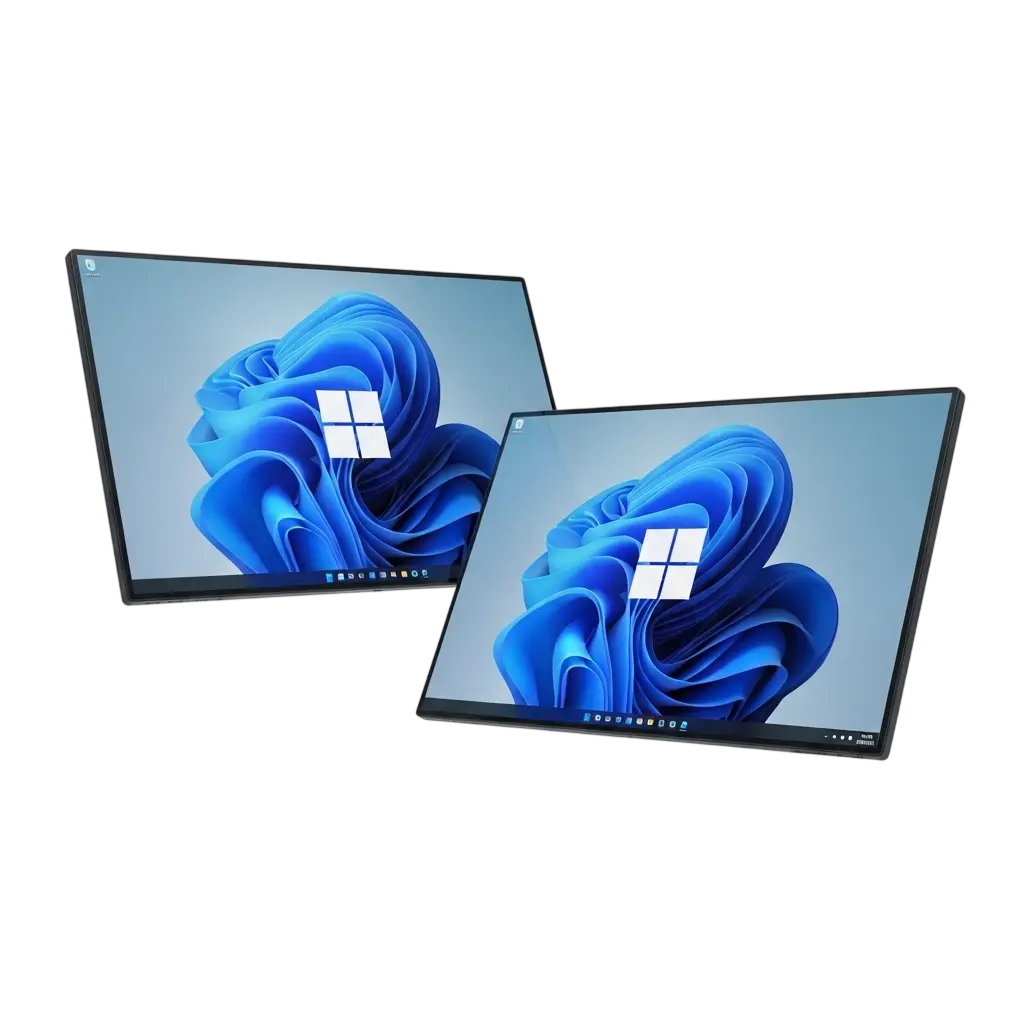
FHD
Resolution
1920×1080
Full HD 1920×1080 on a 21.5-inch TFT LCD. Every pixel is sharp — whether you're displaying a digital menu, wayfinding map, or patient check-in interface.
Panel
TFT IPS
16:9 TFT LCD with IPS technology — consistent brightness and accurate colour across the entire display. Wide 178° viewing angle, readable from any direction.
Brightness
350–450 nits
350 cd/m² for air-conditioned offices and malls. 450 cd/m² for brightly lit environments — combats glare from overhead lighting effectively.
Touch Response
2ms
Blazing 2ms response time — tap, swipe, pinch, zoom. Your finger never feels disconnected from what's happening on screen. Instantaneous, every time.
Built-in Audio
2×5W
Integrated 5W stereo speakers — clear audio for announcements, promotional videos, and audio feedback without needing a separate speaker system.
Connectivity
WiFi + LAN
WiFi and RJ45 Ethernet for reliable connectivity. HDMI and USB ports for external devices, flash drives, and peripherals. Full IoT integration ready.
PCAP vs IR Touch Panel
Touch Technology

Infrared vs. Capacitive.
Which Is Right for You?

The ANZ panel is available with two touch technologies. Both support 10-point multi-touch — the difference is in the feel, precision, and environment they're designed for.

10pt
Multi-Touch
<10ms
PCAP Response
5mm
PCAP Precision
Any Object
IR Compatible
Capacitive Touch (PCAP)
Uses your body's electrical properties — incredibly fast (under 10ms), supports 20+ simultaneous touch points, precision within 5mm. Perfect for retail product browsing, digital whiteboarding, and any high-precision interaction.
Infrared Touch (IR)
Creates an invisible grid of light beams across the screen. Works with anything — gloved hands, styluses, even a chopstick. Ideal for medical environments, industrial settings, and anywhere gloves are worn.
Quick Comparison

PCAP vs. IR — Side by Side

Still undecided? Use this cheat sheet to match the technology to your exact use case.

Your Priority PCAP Infrared (IR)
Fastest response & smoothest feel✓ Best
Works with gloves or any object✓ Best
Multi-touch gestures (pinch, zoom)✓ Best✓ Good
Medical or industrial environment✓ Best
High-end retail or corporate✓ Best
Digital signage with light interaction✓ Works✓ Works
Operating System

Android or Windows.
Your Choice.

One of the most powerful features of the ANZ panel — you choose the operating system. Same hardware, two very different capabilities.
★ Default
Android 12
Best for Most Deployments
4GB
RAM
32GB
ROM
APK
Custom Apps
Lightweight, fast, and easy to manage remotely. Install apps from Google Play or sideload your own APK files — custom scheduling tools, cloud CMS apps, web-based interfaces, social media walls.
Cloud apps, media loops, and digital signage
Custom APK installs and Play Store apps
Remote management via web dashboard
Lightweight and fast out of the box
Windows 11
For Enterprise Power
i3–i7
CPU
8–16GB
RAM
512GB
Max Storage
Full PC power for complex data visualisations, legacy corporate software, or heavy enterprise systems. Intel Core i3 for standard business use, i5 or i7 for demanding 3D rendering or analytics.
Hardware driver and legacy software integration
Heavy statistical models and 3D rendering
Enterprise management via remote desktop
Advanced network security protocols
Touch Panel Applications Malaysia
Key Applications

Real-World Uses Across
Malaysia's Key Sectors

🏥 Hospitals & Healthcare

Patient check-in kiosks, wayfinding directories, and interactive information hubs. The 4mm tempered glass is easy to sanitise, and the IR touch option works perfectly with gloved hands. Telehealth kiosks are already serving communities across Malaysia — from urban hospitals to rural health posts in Sabah.

🛍️ Retail & Shopping

Let customers browse products, check availability, and even complete purchases — without waiting for a sales assistant. The PCAP option offers a smartphone-like experience that feels natural and intuitive. The global retail touch display market is projected to reach $25.8 billion by 2029.

🏢 Corporate Offices

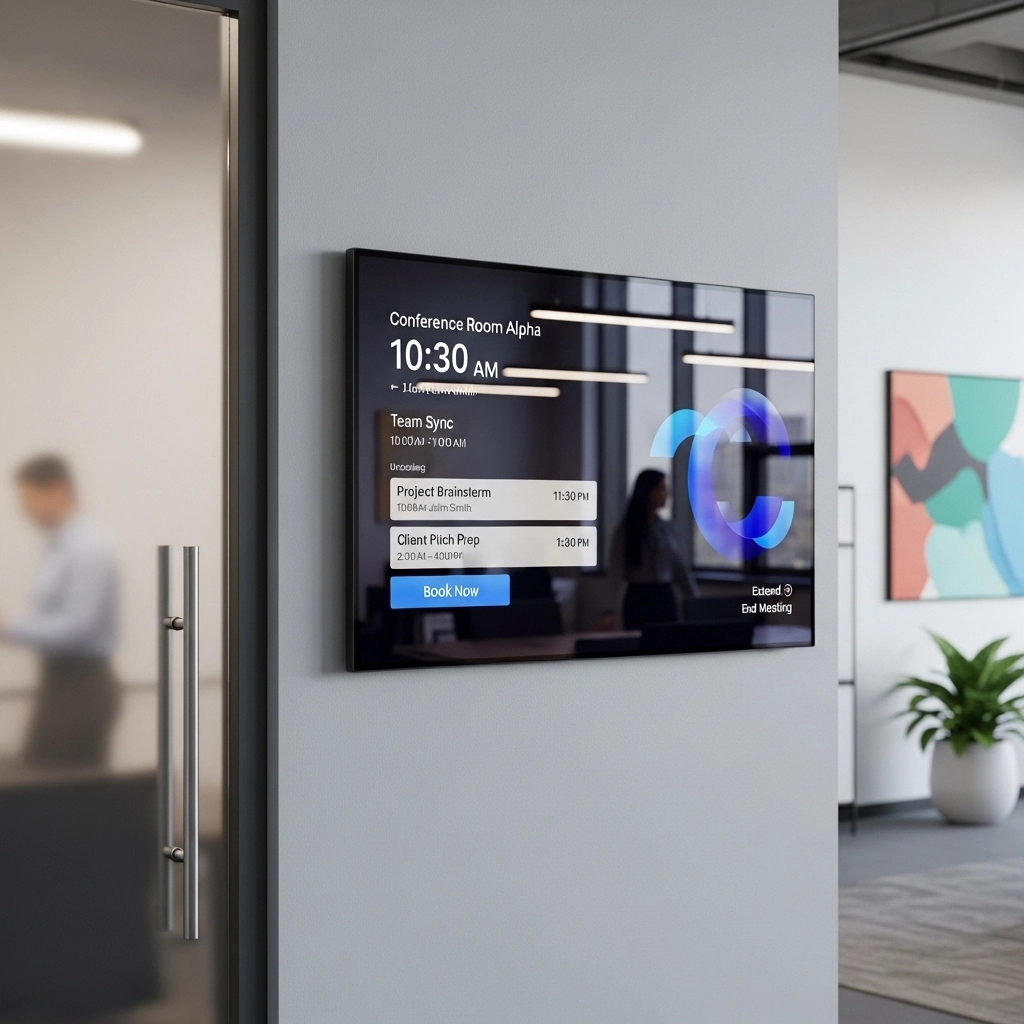
Meeting room schedulers outside conference rooms (showing availability, letting people book instantly), or interactive whiteboards inside the room. With Android or Windows, run Microsoft Teams, Zoom, or whiteboarding apps directly on the screen — no separate computer needed.

🎓 Schools & Universities

Interactive learning displays, event wayfinding, and student information portals. Android makes it simple to deploy and manage across multiple campuses without complex IT infrastructure.

How to Choose

Choosing the Right Panel
for Your Malaysian Site

Ask yourself three questions: What is the environment? What size do you need? Which touch technology fits? Here's a clear guide.

Indoor Public
Malls · Hotels · Lobbies
Go with PCAP for sleek, responsive feel
21.5" suits counters, walls, and kiosk stands
Android for easy remote content management
350 nits brightness sufficient indoors
Commercial
Retail · Office · Reception
Either PCAP or IR — consider if staff wear gloves
PCAP for premium retail customer experience
Windows if connecting to enterprise systems
HDMI input for integrating with existing AV
Medical & Industrial
Hospitals · Factories · Labs
Always choose IR touch — works with gloves
4mm tempered glass withstands heavy sanitising
Metal SPCC chassis for durability and heat management
24/7 rated commercial panel — never fails
IoT & Connected Systems
Smart Offices · AV Integration
WiFi + RJ45 for reliable network connection
Integrate with occupancy sensors and AV systems
Remote desktop via Windows for IT management
Android CMS apps for synchronised multi-screen networks
Installation & Connectivity

Getting It on the Wall
Is Just the Beginning

The real value comes from how you integrate the panel into your daily operations. Flexible mounting, full connectivity, and remote management make it effortless.

VESA Wall Mount

Standard VESA mounting keeps the screen flush against the wall — low profile, no floor space needed. Works with most wall mounts available in Malaysia.

Hanging Installation

Ceiling mounts or brackets for overhead digital signage — great for high-traffic areas where wall space is limited or a top-down viewing angle is preferred.

Remote Content Management

Android: install CMS apps and update from anywhere using a web dashboard. Windows: remote desktop into the panel or push updates via enterprise management software.

Compliance

Certified Quality
You Can Trust

Certifications aren't just fancy letters — they give you peace of mind that your touch screen panel is safe, reliable, and built to last. Every ANZ panel ships with a full stack.

CE
CE Marking
Confirms compliance with European safety and performance standards — electromagnetic compatibility and product safety for commercial deployment.
CB
CB Scheme
Global safety certification accepted in 50+ countries — one test result recognised internationally, simplifying cross-border market entry for resellers.
FCC
FCC Certification
US electromagnetic interference compliance — confirms the device does not interfere with other electronics and meets American radio frequency emission standards.
RoHS
RoHS Compliant
No hazardous substances — free from lead, mercury, cadmium, and other restricted materials. Safer for users, technicians, and the environment.
ISO
ISO 9001:2015
Quality management system certification — strict, controlled, consistent manufacturing process. Every panel shipped meets the same high standard.
FAQ

Frequently Asked
Questions

Can the ANZ panel be used outdoors?
The panel is designed for indoor use. For outdoor applications, you would need additional weatherproofing and higher brightness — typically 1,500+ cd/m². Contact us for outdoor display options.
Does it support multi-touch?
Yes. Both PCAP and IR versions support 10-point multi-touch — multiple people can interact with the screen simultaneously, ideal for collaborative environments.
Can I install my own Android apps?
Absolutely. The Android 12 version runs standard Android, so you can install apps from the Google Play Store or sideload your own APK files directly.
How do I clean the tempered glass screen?
Use a soft, lint-free cloth lightly dampened with water or a mild screen cleaner. Avoid abrasive materials or harsh chemicals. In medical environments, standard approved disinfectant wipes are safe to use.
Is the panel compatible with existing VESA mounts?
Yes. The panel uses standard VESA mounting patterns, so it works with most wall mounts already available in Malaysia — no proprietary brackets required.
What's the difference between a touch panel and a regular monitor?
A regular monitor only displays content. A touch screen panel combines display and input — you tap, swipe, and interact directly on the screen, turning a passive display into an active interface.
Get Started

Ready to Upgrade Your
Interactive Experience?

The ANZ 21.5-inch touch screen panel offers the ideal balance of size, performance, and durability for retail, healthcare, and corporate environments across Malaysia. Let's find the right configuration for you.

24 Hours
Quote Response
PCAP / IR
Touch Options
1-Year
Warranty